How to register on simplifica for hiking
What is simplifica?
Simplifica is the portuguese governmental platform all residents in Portugal, Madeira and Azores are using for bureaucratic issues.
Where to find the platform?
Right now simplifica is just accessible via browser app on every device. There's no app!
1. Open https://simplifica.madeira.gov.pt/ on your browser please.
2. Change the language settings if it's not in your prefered language already:
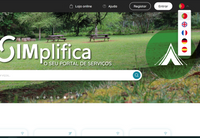
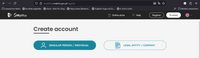
3. Click on Register beside the language settings and after on Create account -> "Singular Person / Individual"
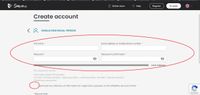
4. Fill out the form, safe your chosen password and accept the authorization form below:
5. You're going to receive a confirmation eMail. Please click the link in this eMail to confirm. In case that you alreay have an existing account please login again with your eMail and password and scroll down til you can click on "Ticketing":
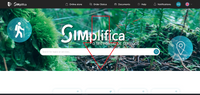

6. Click on "Payment of Fees for Classified Hiking Trails - General
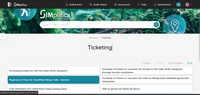
7. On the following page scroll far down...
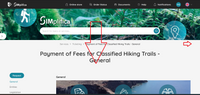
...till you reach this form:
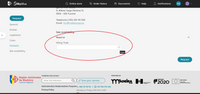
8. If you choose a hiking trail you can also choose the booking period and number of participants...
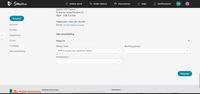
...if you click on booking period it is shown the available days and how many other hikers you can expect that day on your chosen trail...
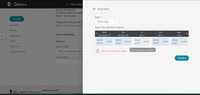
click confirm...
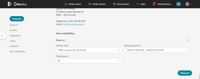
...and on the following page click on "Request"
9. The payment site: Control and scroll down...
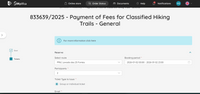
...after scrolling down you have to confirm the security and legal information of responsibility
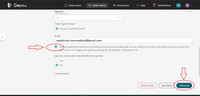
...and click on "Following"
10. On the payment page click on "Pay"
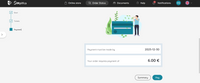
11. Choose the prefered payment method after ...
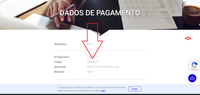
...scrolling down
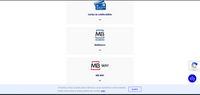
13. Click on Cartao de crédito/debito
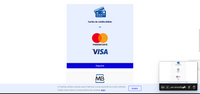
...and press "Seguinte":
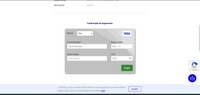
...fill out the Brand: Visa or Master Card and all necessary data exactly like on your card.
Have a nice and safe hike!
Some additional infirmation:
- Please make sure not to throw something in the mountains.
Please don't feed bread to the birds - just small bitten nuts without salt. The birds come to the hand at several levadas.